Showing posts with label early literacy. Show all posts

A Few of My Favorite Books: Gail Gibbons

 (Affiliate links included for your convenience)

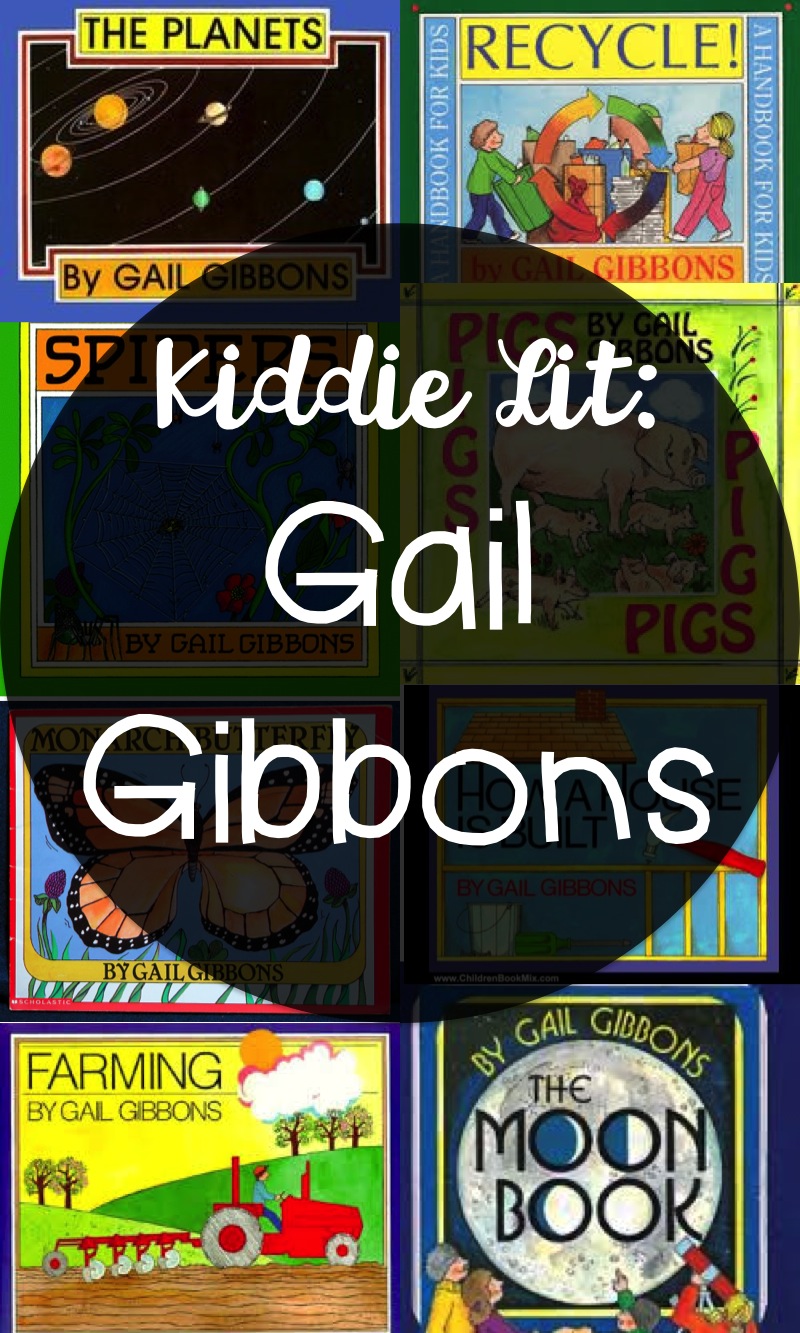
I absolutely LOVE books by Gail Gibbons! She writes and illustrates amazing non-fiction picture books for young children on a wide variety of topics. I love these books so much that I have my very own personal collection of Gibbons’ books that I rarely let my students or my son touch.


I especially enjoy her holiday books that simply explain the origin of the holiday and associated traditions. Some of her other books delve deeply into a single topic such as Bats, Recycling or Weather and provide a great deal of detailed, but child friendly information on the topic. Her books usually appeal to a wide age range from early childhood through elementary school. I have found Gibbons books to be a rich supplement to early childhood and elementary school science and social studies activities and they align easily with the non-fiction literature common core standards (bonus!).

Here are a few of my favorite Gail Gibbons books for Spring:

From Seed to Plant
Monarch Butterfly

Spiders

The Honey Makers

Frogs 

Easter


St. Patrick's Day 


What's your favorite Gail Gibbon's book?


Another Fun FREE App: Sight Word Ninja

A couple of months ago, I shared two of my favorite FREE educational apps ... Well Alligator Apps added a new app using the same 'slicing ninja' format: Sight Word Ninja


Again the same concept as that popular fruit slicing game... but with sight words! I love that it's customizable with word lists for Prek-3rd grade, three levels of difficulty and adjustable play times. There are NO in app purchase opportunities or ads and it's FREE!


I'd still like to be able to set up multiple student profiles so that I don't have to switch the settings back & forth for each student who plays AND I would love to be able to email game data to myself for easier record keeping on student progress... And if anyone from Alligator Apps is reading this... I'm still waiting for this app with simpler concepts like shapes & colors for my students who have special needs...

p.s. just for the record, I was not compensated for my opinion in any way...

The Very Hungry Caterpillar - DIY Interactive Book

A while back, I picked up a sticker book version of The Very Hungry Caterpillar and then completely forgot about until I found it last week. Since a single stickerbook doesn't last very long in classroom of preschoolers, I made it into reusable interactive book - just like this Interactive Farm Book that I made last year!


Materials: 
Stickerbook
Cardstock paper
Laminator & Laminating Sheets OR self-adhesive laminating film
Velcro w/ adhesive

How To: 
1. Carefully take the stickerbook apart at the binding - Before starting, examine how the book is put together; you may only need to remove a couple of staples from some books. Other books are bound more securely and require a sharp utility knife or heavy duty paper cutter. However you deconstruct your book, just remember how it all goes back together!


2. Remove stickers & adhere to cardstock paper, then cut individual stickers out leaving a small boarder. I left more border on the smallest stickers to make them easier to pick up and manipulate.


3. Laminate each page of the sticker book & all of the cut out stickers. Leave some space around the stickers so that another border can be included, ensuring that each sticker is completely sealed in the laminate. If you do not have access to a laminator, you can use self-adhesive laminating film or even packaging tape.

4. Add Velcro to the inside of the book & the back of the stickers.


5. Finally.... you're ready to read & play with your new interactive book!


Tips & Tricks: 
  • This project works best with stickerbooks that have larger stickers. 
  • If using a book with small stickers, leave extra laminate border & use poster putty for adhesive instead of Velcro. 
In my classroom, we use this book in addition to the picture book to work on expressive & receptive vocabulary, comprehension, retelling and early math concepts. I really love this kind of interactive book for kids who aren't especially interested in reading - it provides a new, exciting & hands on way to experience books for children who don't like reading!


Listen! I hear audiobooks...

Over the last couple of months, I've purchased quite a few audiobooks through our school's Scholastic book orders and have been trying to figure out how to best set up a listening center for my preschool students who have varying degrees of hearing loss AND different amplification devices. Some of the audiobooks have been pretty good, with music and/or sound effects that compliment the story while others, have been awful renditions! Here's what I came up with so far:


I dug out my old iPhone, cleared off the content & set it up with some of the audiobook mp3 files. Since it was an old iPhone 3, I was unable to upgrade to the newest operating system, so I moved all of the icons except for the 'music' icon off to the 2nd and 3rd screen (on newer devices, you can 'drag them on top' of each other to put them into other 'folders.') I also went into settings & restricted internet, email & camera access to make the phone less functional - so my kids could only use it for the purpose intended. This is much easier on newer devices and can easily be set under the accessibility menu to only grant access to a single function at a time. I used the internet to add cover art to each of the audio tracks so that my non-reading Prek students could easily figure out which audio file matched the book they wanted to read.


With the help of our audiologist, I collected audio accessory cables & other connectors for the array of hearing aids that my students have including Phonak, Oticon & Cochlear Ltd. products. I also had to get a headphone jack adapter because of the recessed headphone jack in the old iPhone made it impossible to plug in the audio cords - my techie husband helped me out with this! Here's a picture of all of the listening center supplies in their box (I found these great Lego storage boxes on clearance at my local Walmart - they're just the right size for a bunch of books!)


We've experimented with the audio cables for direct input - which has been interesting. Some of the kids like the direct input, while others seem to prefer to hold them up to their 'ear' like a telephone. Some students have even quite accurately named this activity the 'book phone.'

I was a bit surprised by how much my students engaged with this activity! Most of my students are doing very well with it & find it fun - however, I think that it's worth noting that all of the students who have found it enjoyable also have pretty good auditory comprehension & receptive language skills - but not necessarily 'mild' hearing loss; some of the students that like this the most actually have a severe-profound loss & have to work VERY hard to understand what they're hearing! For students who have lower receptive language skills, I think that I will be working on recording alternates with simplified language, no sound effects & integration of learning to listen sounds/simple songs.

I also MUST mention that listening activities like this are absolutely NOT a substitute for having high quality conversations & interactions with young children who have hearing loss. The use of these audiobooks isn't necessarily intended to improve their language skills, but rather provide an interesting opportunity to engage with technology in a way similar to my students' hearing peers. I'd venture to guess that most preschoolers have probably played a game on a caregiver's phone or tablet from time to time - but my students, while they've all likely engaged with technology, have probably missed out on a significant portion of the music and sound effects that go with it. Listening centers are a way for my students who have hearing loss to engage in experience with technology more like their hearing peers do - and if we end up working on language skills - great!

Since setting up the first listening center, I've located two additional older iPhones from family & friends and I'm working on also setting them up for use in my classroom!  This is definitely something that we'll continue to explore in the classroom... check back for more of our experiences with these listening centers.

Fun FREE App for PreK!

I'm always on the look out for high quality, affordable apps that have a valid learning purpose for the classroom... recently I discovered two FREE apps - 123 Ninja and ABC Ninja from Alligator Apps that I just LOVE!


ABC Ninja is just like that other addictive fruit slicing app that so many adults have mindlessly played... I think that this, however, is a great learning tool to reinforce letter names AND sounds! I don't feel guilty letting my three year old play this on the commute to and from work and my students just about beg to play the 'ninja game!' The sound effects and music are subtle and not annoying in the least -- and are even minimalist compared to some apps, which is great for my students who have hearing loss; too much background noise & sound effects can be overwhelming and confusing! The game play is customizable with three different levels of difficulty (easy, medium, hard), can be adjusted to focus on capital, lowercase letter names and sounds and can be set for a time limit from 1-10 minutes! At the end of each session, data is displayed but cannot be emailed - I've used the screenshot function on my iPad to capture data when I need it.


123 Ninja is the exact same concept, except it focuses on numbers 0-99. Again, a hit with my students and my own child. It's customizable with different levels of play, the ability to select target numerals and time limits.


With both apps being free to download & also free of in-app purchase opportunities, it's really a win all around!

The only thing that might make this set of apps better would be to have the letter/number repeated somehow, as my students sometimes miss the target when it's announced. And the ability to email data after the game is played by a student and/or the ability to set up individual student profiles so that you don't have to go back and forth changing the settings every time a new child comes to play would be great. I'd also like to see this game expanded to include a version for shapes and colors - my youngest preschoolers would really love reinforcing options for practicing listening & basic concepts!

p.s. just for the record, I was not asked to write this review and did not receive any sort of compensation for my opinion.

Exploring Melting...

In class today, we read an old Scholastic reader - from January of last year! The kids usually enjoy reading the 'newspaper' and I love the great photos & easy to understand text....It's perfect for my students!


Today, we used it as an introduction to the concepts: frozen & melting - which the kids have had lots of experience with lately -- with all the wintery mixed-up weather that we've been having!

On the back, there was an activity where the kids were supposed to identify which items were 'frozen' and which items were 'melting.'


They had so much trouble showing that they understood the difference between the two, that we just had to do our own experiment to better understand what frozen & melting really meant!

We went outside & collected bags of snow. Once back inside, the kids came up with places to put the bags of snow - after some prodding & suggestions they came up with the fridge, freezer, next the heater & on the window.
To add another twist, we added some other ingredients to three of the bags: salt, hand sanitizer & flour.

We checked on the baggies several times over the next 2-3 hours & the kids were very excited to find that some of their snow had turned into water - it had melted. We took pictures of our observations to make into a book...
Some of my students were also able to figure out what ingredients made the snow melt faster - the bag with the salt even had 'frost' that formed on the outside of the bag (a neat little chemical reaction to make observations about!)

We ended out the day by reviewing the pictures that we took, discussing our observations & creating a little book about the melting snow!

At snack time, we read The Snowy Day by Ezra Jack Keats - and the kids knew exactly what was going to happen to the snowball that Peter put into his pocket ... it MELTED!


Hopefully tomorrow, when I ask them about 'melting,' they remember our experiment and can easily differentiate between 'melting' & 'frozen.'

{5 Fun Magazine Letter Ideas}

I must admit that I've got a serious thing for cutting up old magazines... It's nothing new. For me, there's just something mind-numbingly wonderful about cutting up paper. My love for paper has followed me from childhood to adulthood and now into my classroom - here are some of my favorite ways to use magazine letters with my students!


1. Letter ID Activities - Magazine letters are great for building letter recognition skills because there are so many different font colors, sizes & styles. At this level, I have students 'search, cut & paste' a single target letter using my printable magazine letters and alphabet worksheets. I also use this FREEBIE Letter Hunt worksheet for finding & matching all letters of the alphabet.


2. Upper & Lowercase Matching - Once students begin recognizing and learning letter names, I like to take advantage of the varied font styles for upper and lowercase matching practice. This is especially important for letters like 'Aa' - we teach students to write a lowercase 'a' one way, and we expect them to be able to recognize a letter 'a' in another way. These letter dominoes are one of my favorite ways to work on upper & lowercase matching; they also lend themselves for uppercase matching and 'traditional' dominoes type play for upper and lowercase matching with more capable students.

Magazine Letter Dominoes Game, 3-in-1 Literacy Center, Alp


3. Sorting - There are so many ways to sort letters. With my very young students, we start by sorting letters by color, size, and shape. Then I provide two well known letters to sort and increase difficulty from there. We use different sorting strategies and visual organizers - I LOVE when my students come up with new sorting rules and ways of organizing their letters! 


4. Name Practice - What little kid doesn't love making something wonderful with their name? Last year, we made name plates for cubbies with my printable magazine letters. I printed each child's name on a sentence strip, provided pages of my printable magazine letters and glue to construct 'ransom note' inspired name tags; we laminated the names used them for cubby tags.


5. Sight Word & Spelling Word Practice - With older students, magazine letters are a fun hands-on way to practice spelling. It's much more than just writing the words out, students must find, cut, arrange and glue letters for this task. Great as a literacy center, morning work activities or for daily word work!


For most of the above activites, I've used a combination of printable magazine letter cutouts from my TpT or TN stores and real letter cutouts.


What other ways do you enjoy using magazine letters in your classroom? More ideas coming soon!